Is Blender the Same as Maya? A Practical Comparison
An analytical comparison of Blender and Maya across UI, modeling, animation, rendering, and workflows to help you choose the right 3D tool for your needs.


Core Philosophies: Open Source vs Proprietary
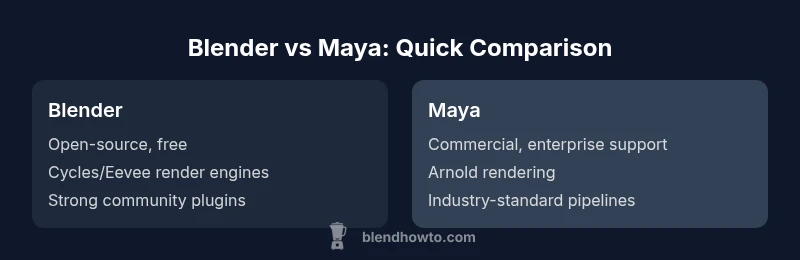
Blender and Maya embody two distinct software philosophies that shape every ensuing feature you encounter. Blender is built on an open-source license, with its source code openly available and contributions welcome from users worldwide. This openness accelerates experimentation, enables custom tooling, and generally lowers the total cost of ownership for individuals and small studios. Release cadences tend to be rapid and community-tested, which is a boon for those who want to experiment with cutting-edge features.
Maya, by contrast, is a commercial, enterprise-grade product with a long track record in film, games, and large studios. Its subscription model and dedicated support channel cater to production environments where stability, compliance, and formal training are prized. The ecosystem includes widely adopted pipelines, third-party plugins, and strong integration with other Autodesk tools. The trade-off is cost and vendor dependence, which can translate into predictable workflows and professional certifications for teams working at scale.
In practice, choosing between Blender and Maya often hinges on project scope, pipeline maturity, and the value placed on openness versus enterprise reliability. BlendHowTo’s view is that Blender suits learners and indie teams, while Maya remains compelling for studios pursuing established pipelines and formal credentialing.
wordCountBase":210},{
textBlockTitle":""}],
bodyBlocks